 Whisku
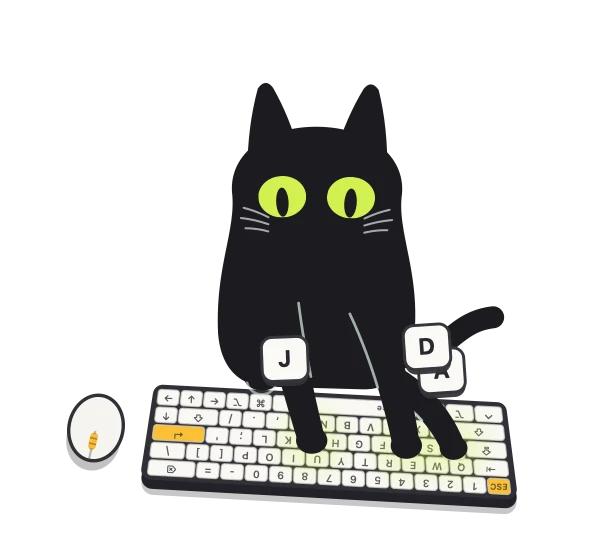
Types with you
It presses keys on the same side you do, strokes the scroll wheel while you scroll, and keeps up in games, held keys like WASD included. Press three keys at once and it uses a foot.
Free for Mac and Windows
Whisku sits at a little keyboard in the corner of your screen. It types when you type, reaches for the mouse when you do, and naps when you step away.
Mac: macOS 13 or later, Apple Silicon and Intel. Windows: Windows 10 or 11, 64-bit.
Its name is Whisku (WHIS-koo), like the app.
Try it: type anything and Whisku types along. Stroke its head, wave the mouse fast, or keep touching its tail.Try it: tap the keys on its keyboard, or stroke its head.
What you type here stays on this page.
A cat on your desktop that keeps you company while you work, and a few useful things besides.
It presses keys on the same side you do, strokes the scroll wheel while you scroll, and keeps up in games, held keys like WASD included. Press three keys at once and it uses a foot.
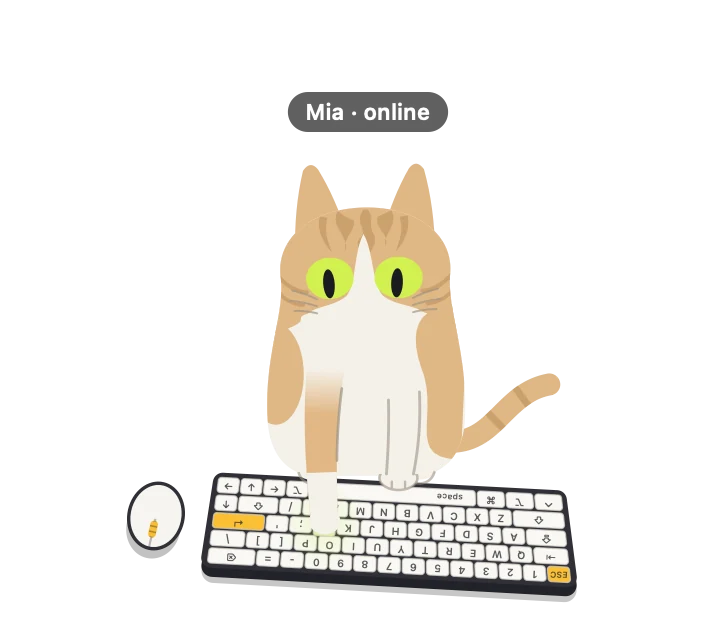
See a faraway friend's cat on your screen, typing along with them, and pet each other's cats. Macs and Windows PCs can link. It's encrypted, and it never sends which keys you press.
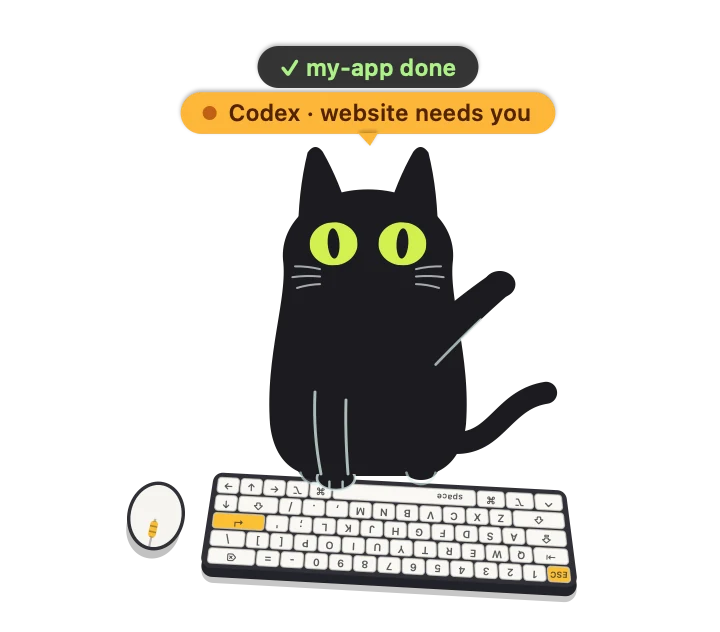
A bubble over the cat when a Claude Code or Codex session finishes or needs your OK. It closes by itself once you answer.
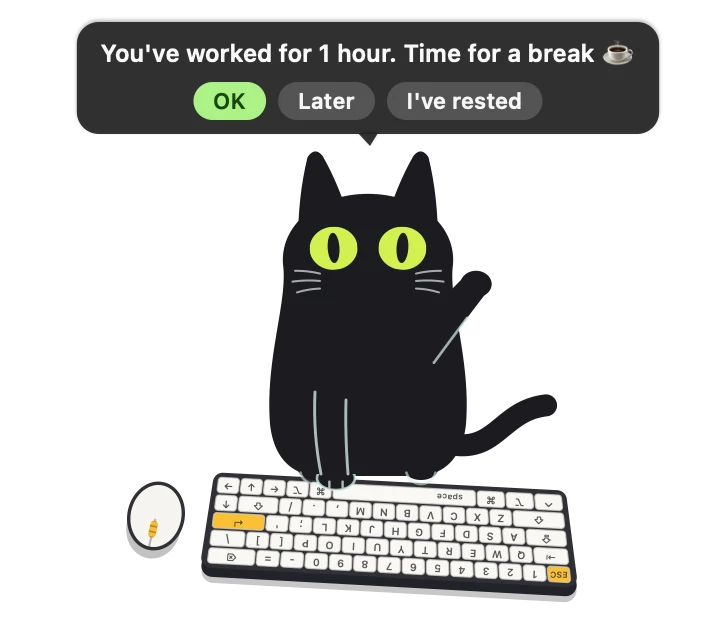
After an hour of work (or anything from 30 minutes to 3 hours), Whisku waves and suggests a break. Step away for 2 minutes and it counts.
Whisku is full of small cat habits. Settings → Fun has a Demo button for each one.
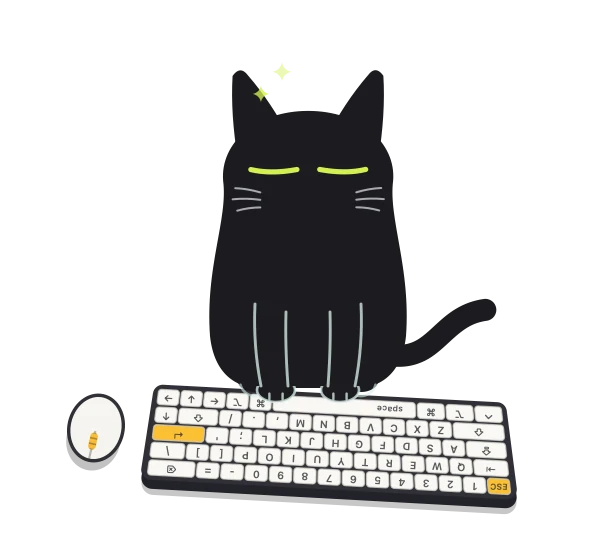
Closes its eyes when you pet it
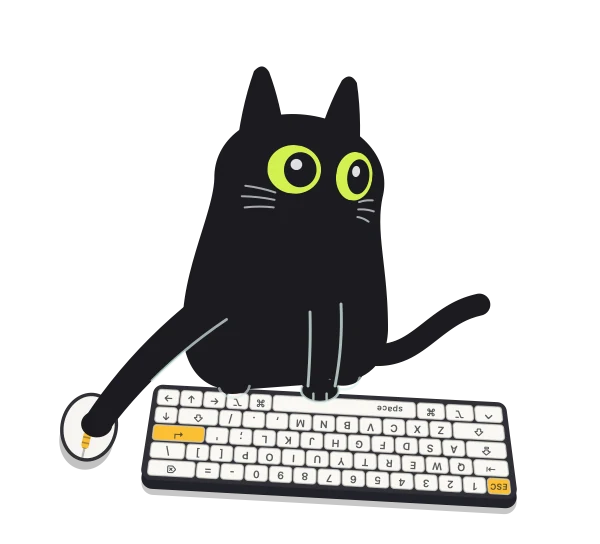
Big hunting eyes when the mouse moves fast
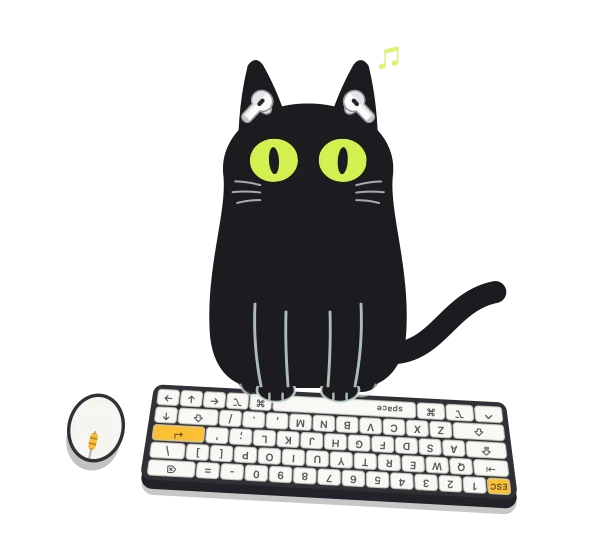
Puts on AirPods when you switch to headphones
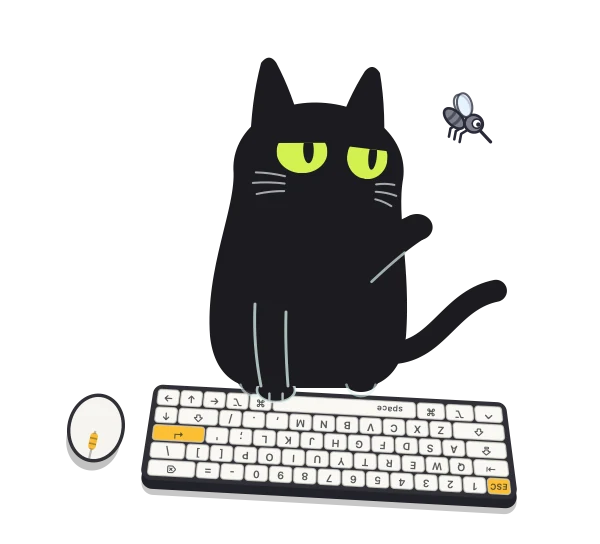
Naps while you're away, until a mosquito shows up
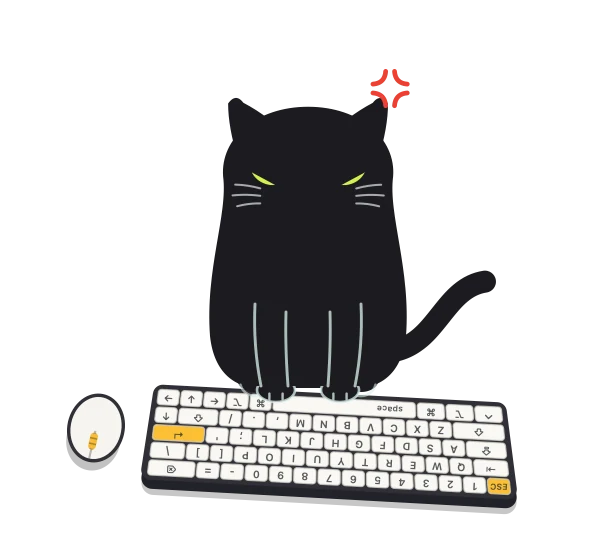
Gets grumpy if you keep touching its tail
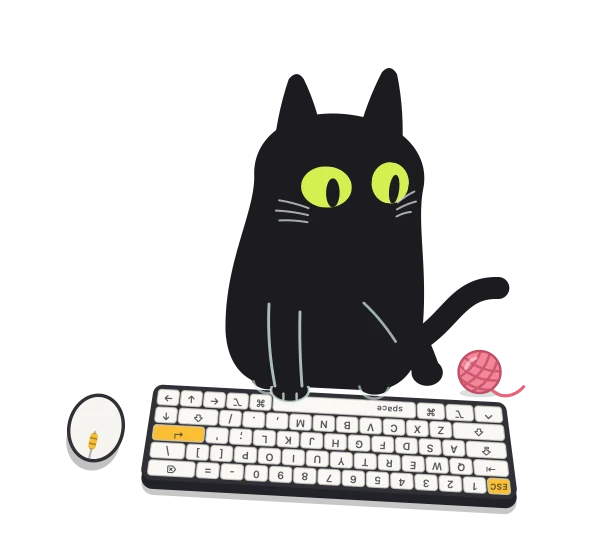
Plays with a ball of yarn while you're away
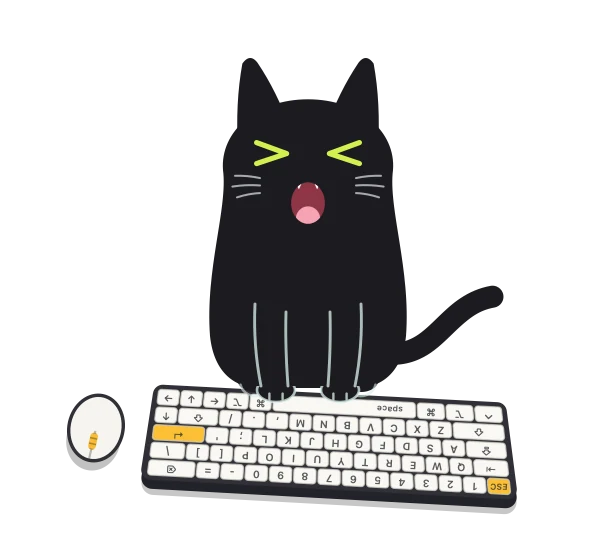
Wakes up from a long nap with a big yawn
Steps aside while a full-screen video, game or presentation is in front
Four coats, three keyboard themes, six eye colors and five sizes. English or Chinese. Click a coat to put it on the cat at the top.
Small and native, no Electron: Swift on Mac, C++ on Windows.
From its GitHub releases, and it asks before installing.
Licensed under GPL-3.0. All the code is on GitHub.
Whisku isn't signed by Apple or Microsoft yet, so each system asks you once to confirm.
Coming from Whiskerkey or KuroCat? Whisku brings your settings and Cat Link along. See the README.
Whisku sees every key you press, so here is exactly what it does with that.
No. It reads key presses only to move the cat's paws, and never records which keys you type. On Mac it saves two numbers: today's keystroke count and how many times you've petted the cat. It goes online only to check for updates and, if you turn it on, for Cat Link.
Bongo Cat is a popular game on Steam. Whisku is a small native app (about 1 MB) that you download directly, with a cat that turns its head to follow your mouse, and extras: Cat Link with a friend, bubbles for Claude Code and Codex, and a break reminder.
So the cat can see your keyboard while you work in other apps. Whisku uses it only to move the cat. Turn on Whisku under System Settings → Privacy & Security → Input Monitoring, then choose Restart Whisku from the cat's menu.
The exe isn't code-signed yet, so SmartScreen doesn't recognize it. Click More info → Run anyway. All the code is on GitHub.
Only after you turn it on: which paw is typing (left or right, never the key), mouse position and speed, clicks, scrolling and petting, your cat's nickname and colors, and whether headphones are on. It's encrypted with your pairing code and goes through EMQX's free public relay server. While a password field is active, no typing activity is sent at all.
If Claude Code or Codex is installed, Whisku adds its hooks the first time it starts, and keeps a backup of the old file. Otherwise, use Settings → Alerts → Set up hooks. Codex runs a new hook only after you trust it once: Settings → Hooks in the ChatGPT app, or /hooks in the Codex CLI.
While a full-screen app is in front, the cat steps aside and comes back afterwards. To keep it on top, for example in games, turn on Settings → General → Show over full-screen games and apps.
Yes. Whisku is free and open source (GPL-3.0), with no account and no ads.